More features
Tools that run the firm, on the same platform
HR, user authorization, audit logs, automations and templates sit in Attornaid, next to your matters. You run the firm and its work from one place.

Overview
Five tools for running the firm
Team
HR management
Keep employee records, attendance, leave and performance reviews in one place.
Access
User authorization
Set roles and permissions, and decide who can reach sensitive information.
Logs
Audit and activity logs
Track user actions and changes in the system with detailed logs.
Automation
Automations
Turn repeated tasks and approval flows into automated workflows.
Templates
Template management
Prepare documents to one standard with ready templates for common document types.
HR management
Your team's records in one place
Manage employee information, attendance and leave in one system. Keep track of HR tasks from the same place.

Employee information
Keep personal details, job roles, contact information and employment history in one database.
Attendance and leave
Monitor attendance and working hours, and manage leave requests. Keep absence and overtime records in the same place.
Performance reviews
Set performance goals, and manage evaluations and feedback. Run cost analysis in the same place.
User authorization
You decide who sees what
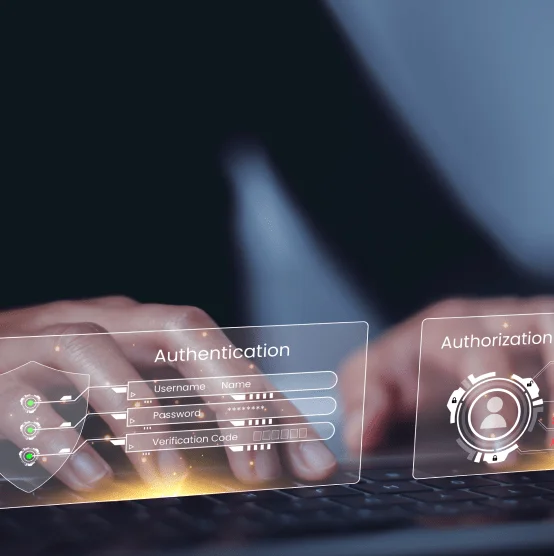
Set each user's access level and permissions through roles. Limit sensitive information to the people whose work needs it.
Role-based access
Assign roles, set permissions and decide which data and features each user can reach.
Multi-factor authentication
Apply multi-factor authentication to user sign-ins.
Access review
Track and review user access to sensitive information for security and compliance.
Audit and activity logs
User actions and access changes, on record
Keep a log of all user activity and access changes. See who changed what, and when.

Search and filter logs
Search and filter logs by user, date, activity type and other criteria.
Compliance reporting
Generate reports from audit logs and review access against regulatory requirements and internal policies.
Real-time monitoring
Monitor user activity in real time. Spot unusual or unauthorized actions and act on them.
Automations
Turn repeated work into workflows
Run repeated processes as automated workflows and cut down on manual work.

Workflow automation
Build automated workflows for frequent tasks and standardize processes across the firm.
Trigger-based actions
Define actions that run automatically when specific events or conditions occur.
Routine tasks and approvals
Automate routine tasks such as data entry, file transfers and email notifications. Design automated approval flows for work that needs sign-off.
Template management
Prepare documents with your firm's templates
Use ready templates for common document types. Keep document creation to one standard across the firm.

Pre-designed templates
Start from a library of customizable templates for different document types.
Template customization
Create and edit templates to fit your firm's needs and branding guidelines.
Template sharing
Share templates across teams so everyone starts from the same template.
One platform
No separate apps
Matters, time entries, billing, clients and AI sit on the same platform too.
Matters
Matter management
Contacts, expenses, time entries, events and tasks in one matter card.
Billing
Time management and billing
Move approved time and expenses into billing.
AI
AI for legal
An overview of Attro AI, AI Workspace and the other tools.
Activity
Activity tracking
Keep matters, activity, time and billing connected.
Clients
Client relationship management
Manage clients, leads and contracts in one place.
Digital intelligence for legal
Try Attornaid with your team.
See how you can manage access, workflows and your team on the same platform as your matters.